

| Wavelet Toolbox | |
Continuous Analysis Using the Graphical Interface
We now use the Continuous Wavelet 1-D tool to analyze the same noisy sinusoidal signal we examined earlier using the command line interface in Continuous Analysis Using the Command Line.
Starting the Continuous Wavelet 1-D Tool.
The Wavelet Toolbox Main Menu appears.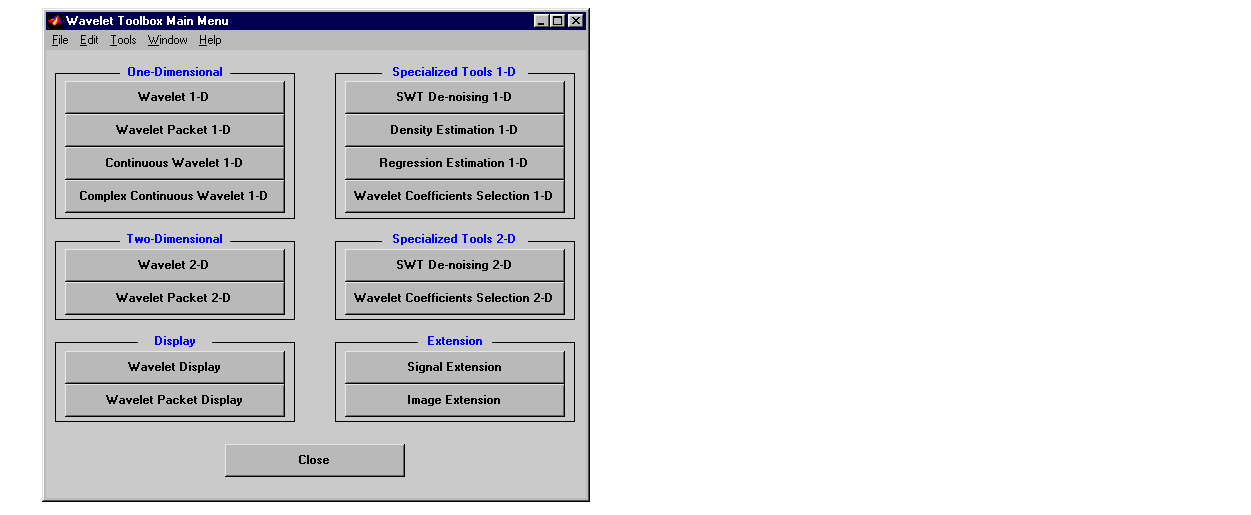
The continuous wavelet analysis tool for one-dimensional signal data
appears.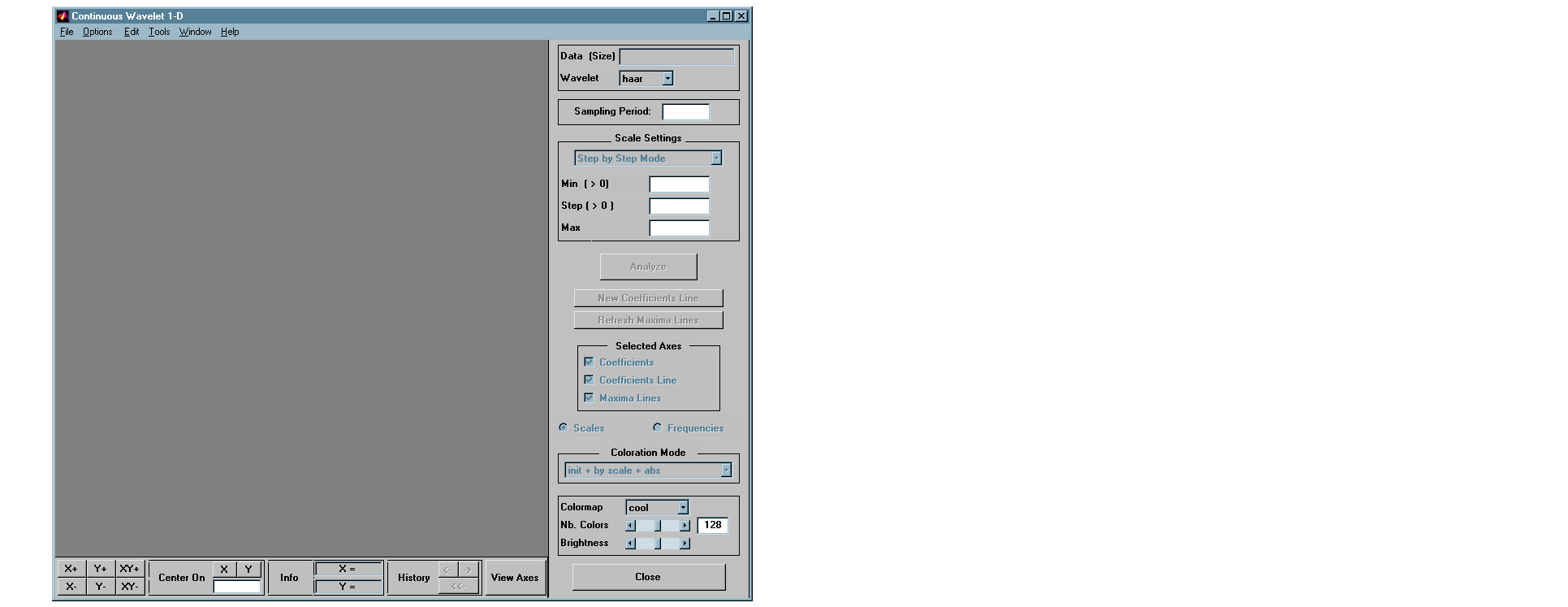
 Load Signal menu option.
noissin.mat, which should reside in the MATLAB directory toolbox/wavelet/wavedemo. Click the OK button.
The noisy sinusoidal signal is loaded into the Continuous Wavelet 1-D tool.
The default value for the sampling period is equal to 1 (second).
Performing a Continuous Wavelet Transform.
To start our analysis, let's perform an analysis using the db4 wavelet at scales 1 through 48, just as we did using command line functions in the previous section.
db4 wavelet and scales 1-48.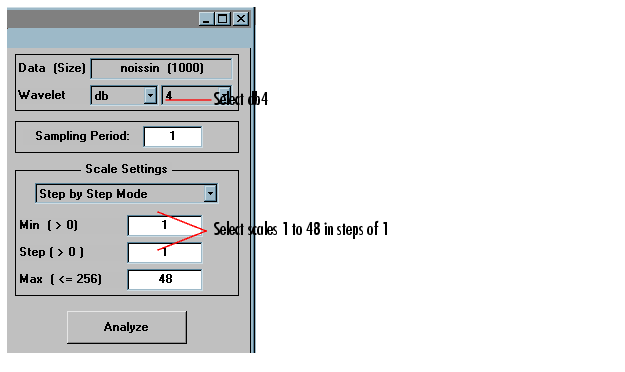
After a pause for computation, the tool displays the coefficients plot, the
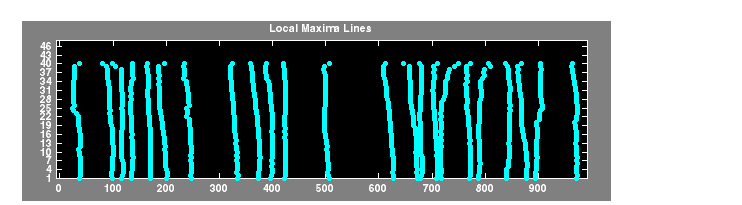
coefficients line plot corresponding to the scale a = 24, and the local maxima
plot, which displays the chaining across scales (from a = 48 down to a = 1) of
the coefficients local maxima.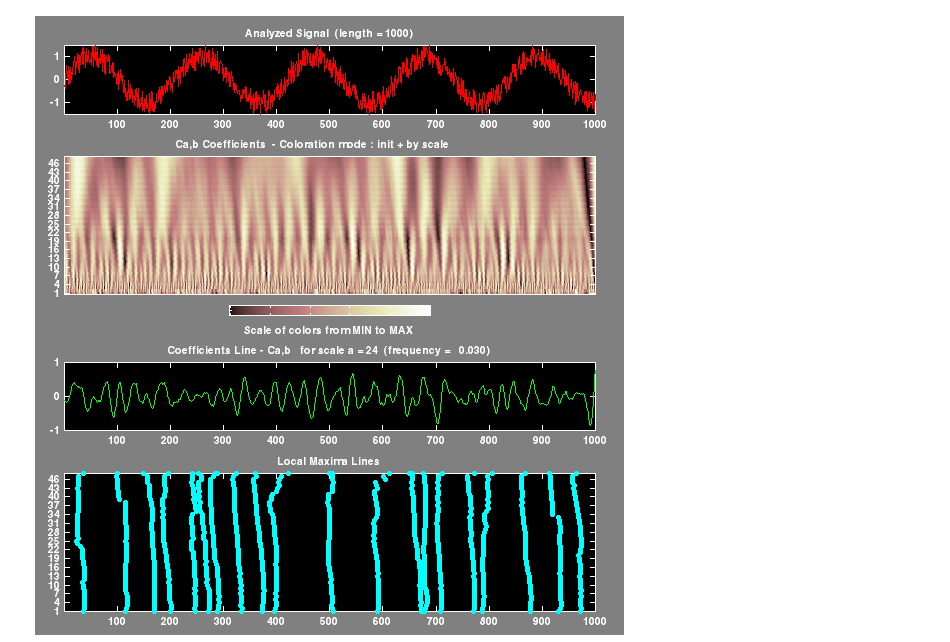
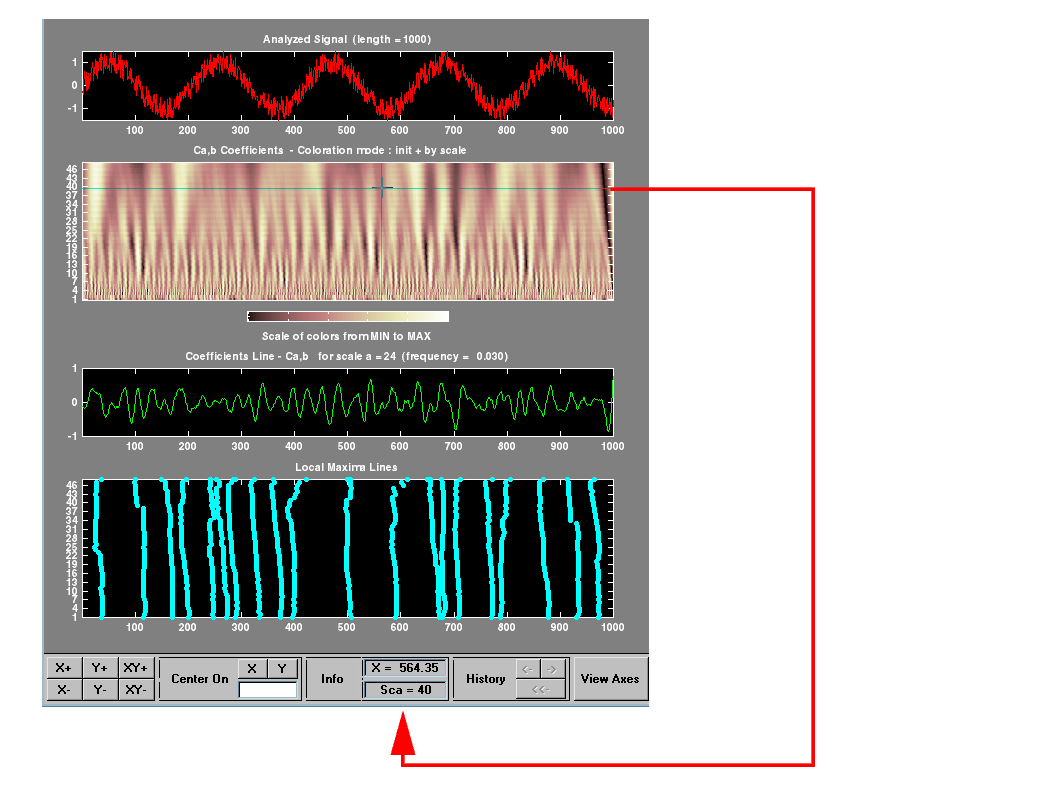
Viewing Wavelet Coefficients Line.
9 below to know, more precisely, how to select the desired scale.
Click the New Coefficients Line button, the tool updates the plot.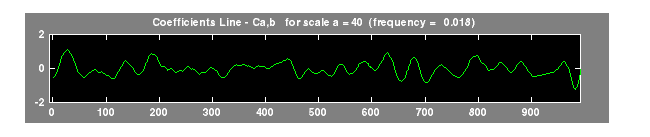
Switching from Scale to Pseudo-Frequency Information.
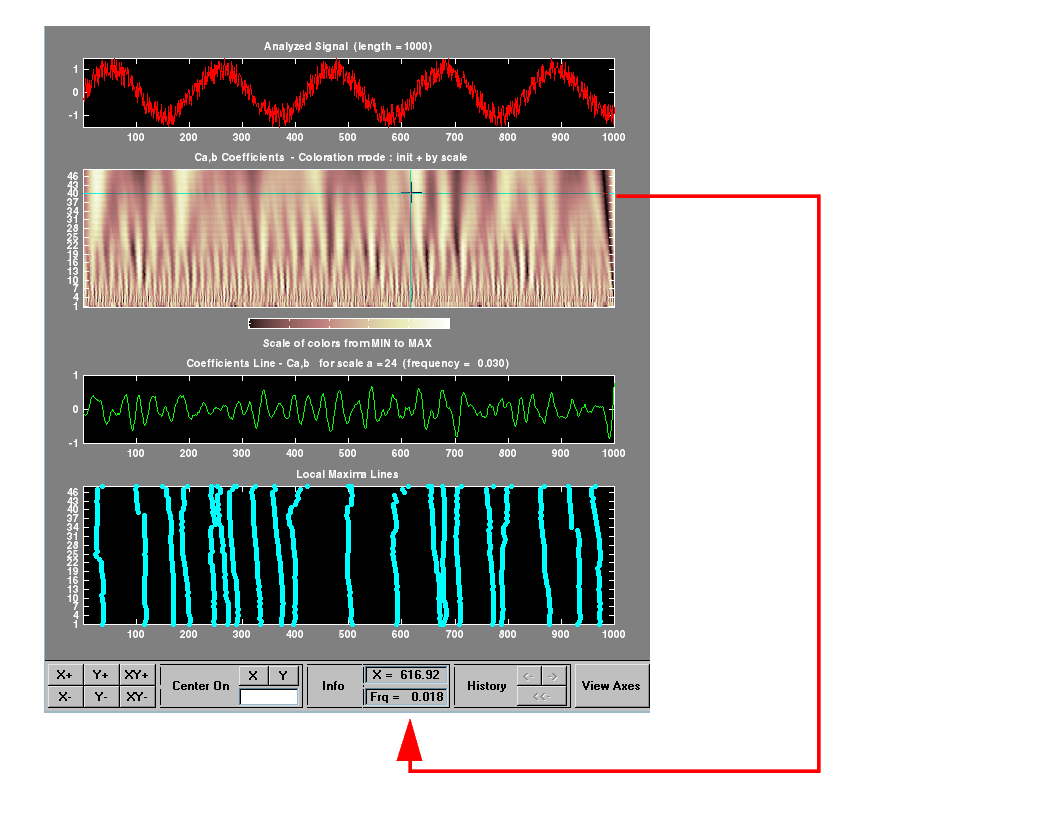
This facility allows you to interpret scale in terms of an associated pseudo-frequency, which depends on the wavelet and the sampling period.
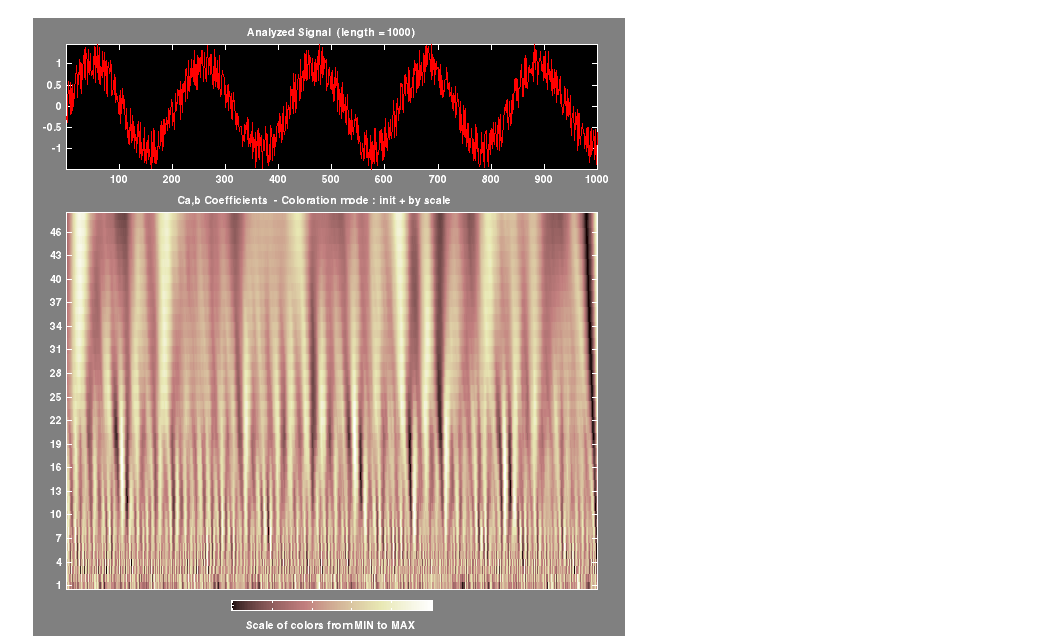
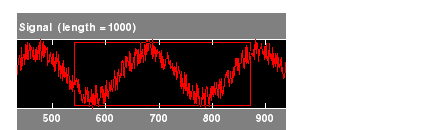

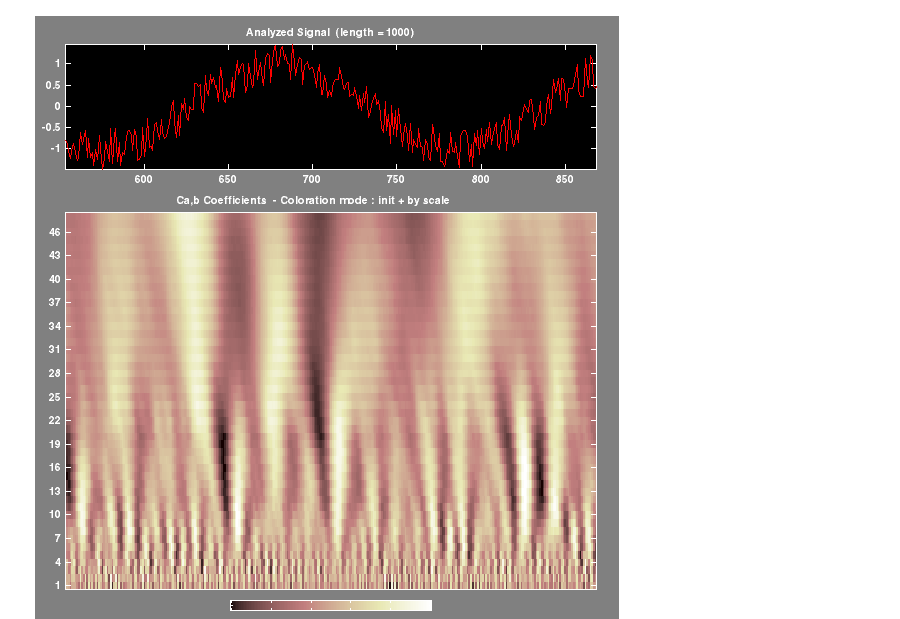
As with the command line analysis on the preceding pages, you can change the scales or the analyzing wavelet and repeat the analysis. To do this, just edit the necessary fields and press the Analyze button.
Viewing Normal or Absolute Coefficients.
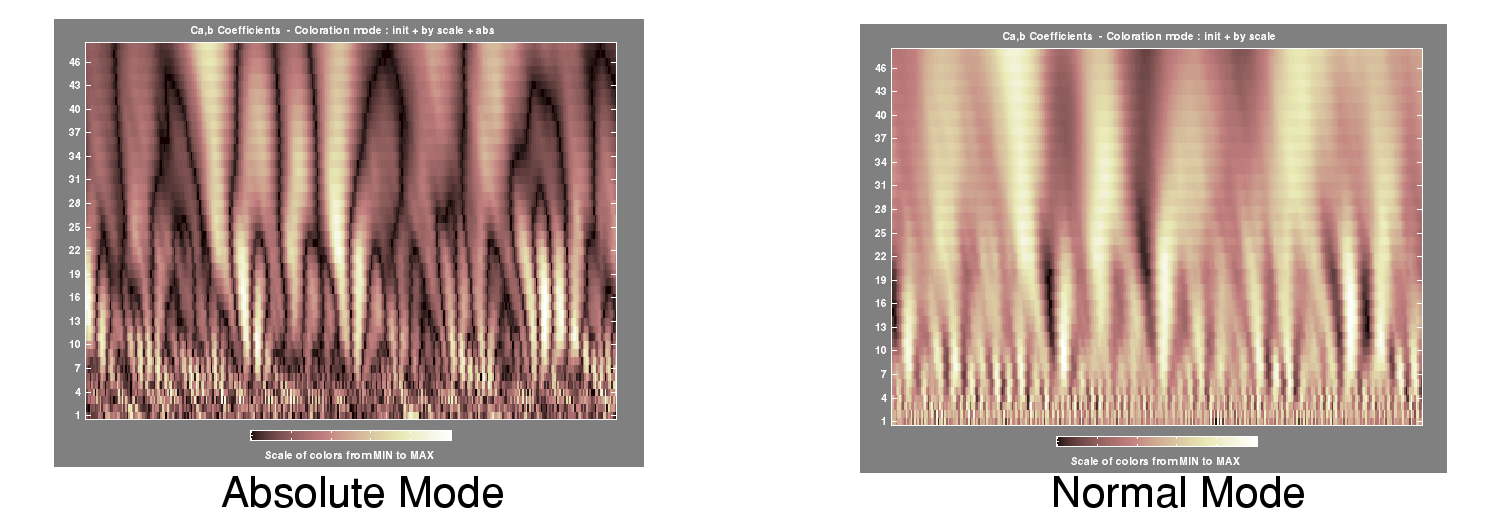
The Continuous Wavelet 1-D tool allows you to plot either the absolute values of the wavelet coefficients, or the coefficients themselves.
More generally, the coefficients coloration can be done in several different ways. For more details on the Coloration Mode, see Controlling the Coloration Mode.
The coefficients plot is redisplayed in the mode you select.
| | Continuous Analysis Using the Command Line | Importing and Exporting Information from the Graphical Interface | |