| 3-D Visualization | |
Example - Displaying Real Objects
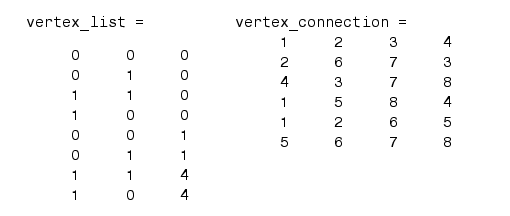
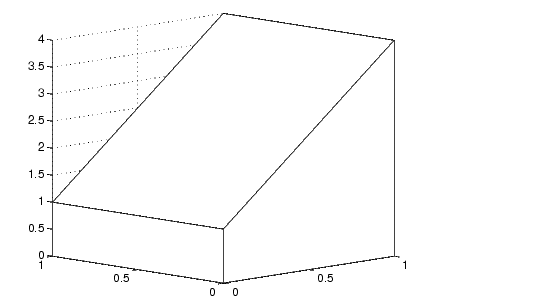
If you want to display an object so that it looks realistic, you need to change MATLAB's defaults. For example, this data defines a wedge-shaped patch object.
patch('Vertices',vertex_list,'Faces',vertex_connection,...
    'FaceColor','w','EdgeColor','k')
view(3)
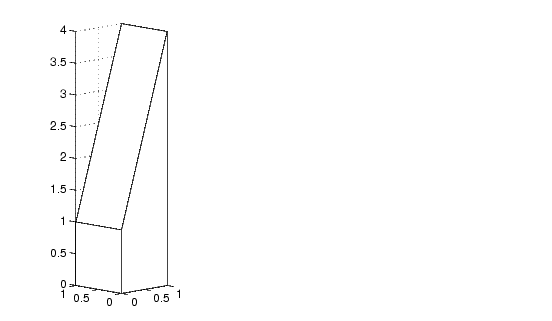
However, this axes distorts the actual shape of the solid object defined by the data. To display it in correct proportions, set the DataAspectRatio.
set(gca,'DataAspectRatio',[1 1 1])
The units are now equal in the x-, y-, and z-directions and the axes is not being stretched to fill the position rectangle, revealing the true shape of the object.
| | Effects of Setting Aspect Ratio Properties | Lighting as a Visualization Tool | |